
July 24, 2026
How to Use Claude AI for Software Development
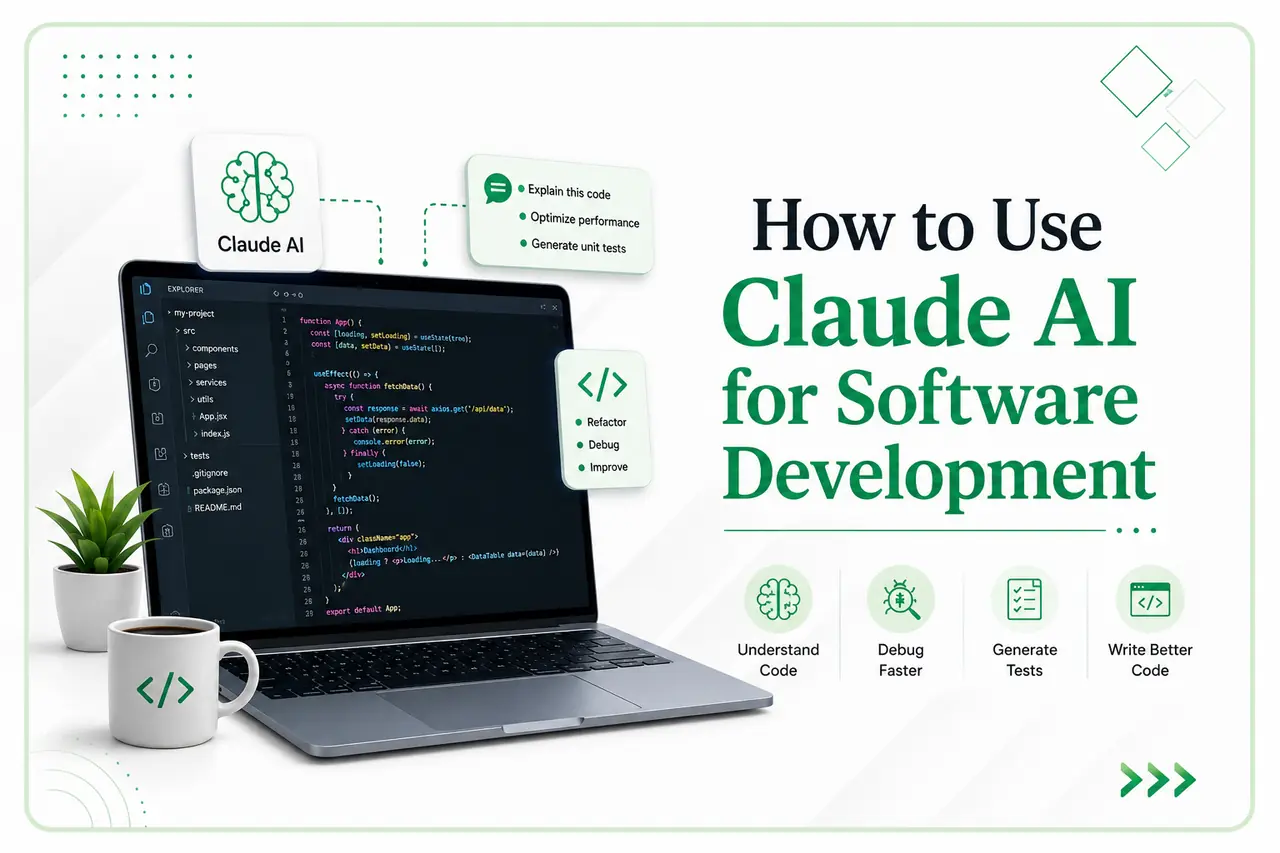
Artificial intelligence is becoming a practical part in software development world. Developers now use AI tools to understand applications, investigate errors, prepare tests, review code, and reduce repetitive work, etc. One tool gaining attention among development teams is Claude AI.
As part of an internal knowledge-sharing initiative, Netkathir Technologies conducted a session on how developers can use Claude AI in their daily Software Development work. The session introduced the Claude ecosystem, its development capabilities, and practical ways to use Claude Code. Get into Claude AI for software development blog.
What Is Claude AI?
Claude is an artificial intelligence platform developed by Anthropic. It can understand text, analyse code, explain technical concepts, and support problem-solving.
For developers, Claude can act as a technical assistant. It can explain unfamiliar modules, identify possible causes of bugs, suggest improvements, prepare documentation, and support feature planning.
Claude is useful when developers work with large projects containing many files, services, APIs, and business rules. With the right context, it can study how different parts of a project are connected before suggesting changes.
Why Developers Use Claude AI
Developers already use tools such as ChatGPT, GitHub Copilot, and Cursor. Claude is another option for AI-assisted software development, with a strong focus on understanding context and supporting structured technical work.
Developers can use Claude for:
Understanding existing codebases
Fixing bugs
Refactoring difficult or repeated code
Generating unit tests
Reviewing code changes
Preparing API documentation
Explaining SQL queries and backend logic
Discussing software architecture
Identifying possible security concerns
AI-generated output should not be accepted without review. Developers must confirm the business logic, test the changes, and ensure that the solution follows project standards.
Understanding the Claude Ecosystem
Claude Chat
Claude Chat is a conversational interface similar to other AI chat applications. Developers can ask technical questions, share code samples, analyse errors, compare solutions, and prepare documentation.
It is useful when a developer needs clarification or a second opinion before changing the project.
Claude Code
Claude Code is designed for software development activities. It can work with permitted project files, understand the code structure, suggest changes, assist with testing, and support terminal workflows.
Developers can use Claude Code through a Visual Studio Code integration or a command-line interface. The VS Code option provides a visual experience inside the editor, while the CLI suits developers who prefer terminal commands.
Claude API
The Claude API allows businesses to add Claude capabilities to their applications. It can support document analysis, internal knowledge assistants, customer-support tools, automated reporting, and content processing.
Choosing a Claude Model
Claude offers model options designed for different levels of speed, reasoning, and task complexity.
Haiku is suitable for quick activities such as documentation, simple code explanations, small bug fixes, and basic queries.
Sonnet offers a balance between speed and capability. It is suitable for daily development, including API work, frontend and backend coding, refactoring, code review, and test generation.
Opus is intended for tasks that require deeper reasoning, such as complex debugging, architecture planning, security analysis, and enterprise applications.
The right model depends on the task, required speed, budget, and problem complexity.
Useful Claude Code Commands
Claude Code includes commands that help developers manage development sessions.
/init analyses the project and creates a CLAUDE.md file containing project instructions.
/compact summarises a long conversation while retaining important context.
/memory helps developers manage saved project instructions.
/status displays information about the current session and configuration.
/clear starts a fresh conversation, while /help displays available commands.
Developers can also use normal instructions such as “generate unit tests,” “explain this module,” “review the latest changes,” or “find the cause of this error.” These requests do not always need slash commands.
Best Practices for AI-Assisted Development
Developers should give Claude clear requirements, relevant project context, and expected outcomes. Large changes should begin with a plan, followed by a review of each modified file.
Teams should run unit, integration, and regression tests before accepting changes. Passwords, access tokens, client data, and confidential information should not be shared without organisational approval.
Conclusion
Claude AI for software development can help teams understand projects, reduce repetitive work, improve documentation, prepare tests, and investigate technical issues.
The best results are achieved when AI assistance is combined with developer expertise, clear business requirements, code reviews, testing, and security checks. Through knowledge-sharing sessions, Netkathir Technologies continues to help its teams explore practical technologies and apply them responsibly in real development projects.