
July 28, 2026
How to Reduce Manual Work in Your Business Using AI
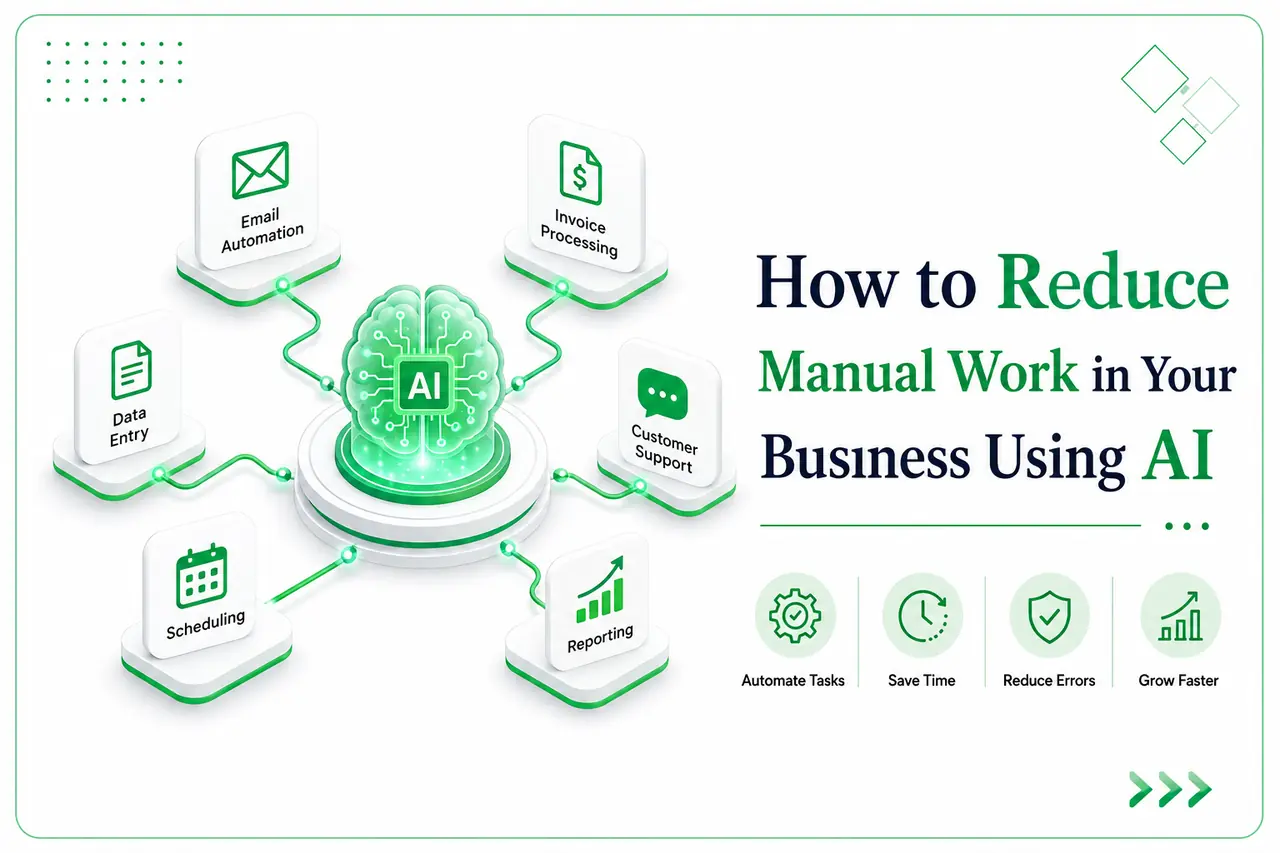
If you're spending your evenings re-entering the same data into three different systems, you already know the real cost of manual work. It's not just the hours; it's the mistakes that slip through when you're tired, and the growth ideas that never get attention because you're buried in admin. The good news: you can reduce manual work with AI without hiring a single new employee or learning to code.
What Manual Work Actually Costs a Business
Most owners underestimate this because the cost is spread across small tasks instead of one big line item. Fifteen minutes here for data entry, twenty there for chasing a lead who never replied, an hour every Friday building a report nobody reads carefully. Add it up over a month, and you're often looking at 20-30 hours of work that added zero strategic value.
Take a 12-person retail business we worked with recently. Their team was spending close to 6 hours a week just building sales reports in spreadsheets, manually pulling numbers, formatting tables, emailing them around. That's nearly a full workday, every week, spent on something a system could do in minutes. Multiply that across data entry, follow-ups, and scheduling, and manual work quietly becomes one of the biggest hidden expenses in a small business.
5 Real Tasks AI Can Take Off Your Plate Right Now
Data entry. Instead of manually typing invoice details, customer forms, or inventory counts into your system, AI tools can read documents and enter the data for you accurately, and in seconds instead of minutes.
Lead and email follow-up. AI can draft and send follow-up emails to leads who haven't responded, flag hot leads for your attention, and keep your pipeline moving even when you're busy with something else.
Scheduling. No more back-and-forth emails to book a meeting. AI scheduling assistants check calendars, propose times, and confirm bookings on their own.
Reporting. This is where AI workflow automation shines. Instead of manually building weekly or monthly reports, AI can pull data from your systems and generate a clean summary automatically the kind of thing that used to eat a whole afternoon.
Customer support replies. A large share of customer questions repeat themselves: order status, return policy, business hours. AI can handle these instantly, so your team only steps in for the conversations that actually need a human.
How to Start
You don't need to overhaul your entire business to see results. Here's a realistic path:
Pick one painful task first. Don't try to automate everything at once; start with whatever eats the most hours today.
Audit your current tools. Many platforms you already use (CRM, email, accounting software) have AI features built in that you haven't turned on yet.
Bring in a partner for the harder integrations. Some tasks need custom setup; this is where business process automation experts can connect the dots between your systems.
Measure before and after. Track the hours saved on that first task. It'll tell you exactly where to automate next.
Is Your Business Ready? Ask Yourself This
Are you or your team doing the same task, the same way, more than once a week?
Would getting that time back let you focus on something that actually grows the business?
Is the task rule-based, meaning it follows a predictable pattern rather than requiring judgment?
If you answered yes to at least two of these, you're ready to reduce manual work with AI and probably overdue for it.
There's no need to figure this out alone or gamble on the wrong tool. At Netkathir Technologies, we help businesses identify exactly where AI automation for small businesses makes the biggest difference, then build it in without disrupting what's already working if you're curious where your business stands, we offer a free audit to show you exactly what's worth automating first no pressure, just a clear picture.