
September 23, 2026
Jenkins Fundamentals: CI/CD Pipeline Automation Guide
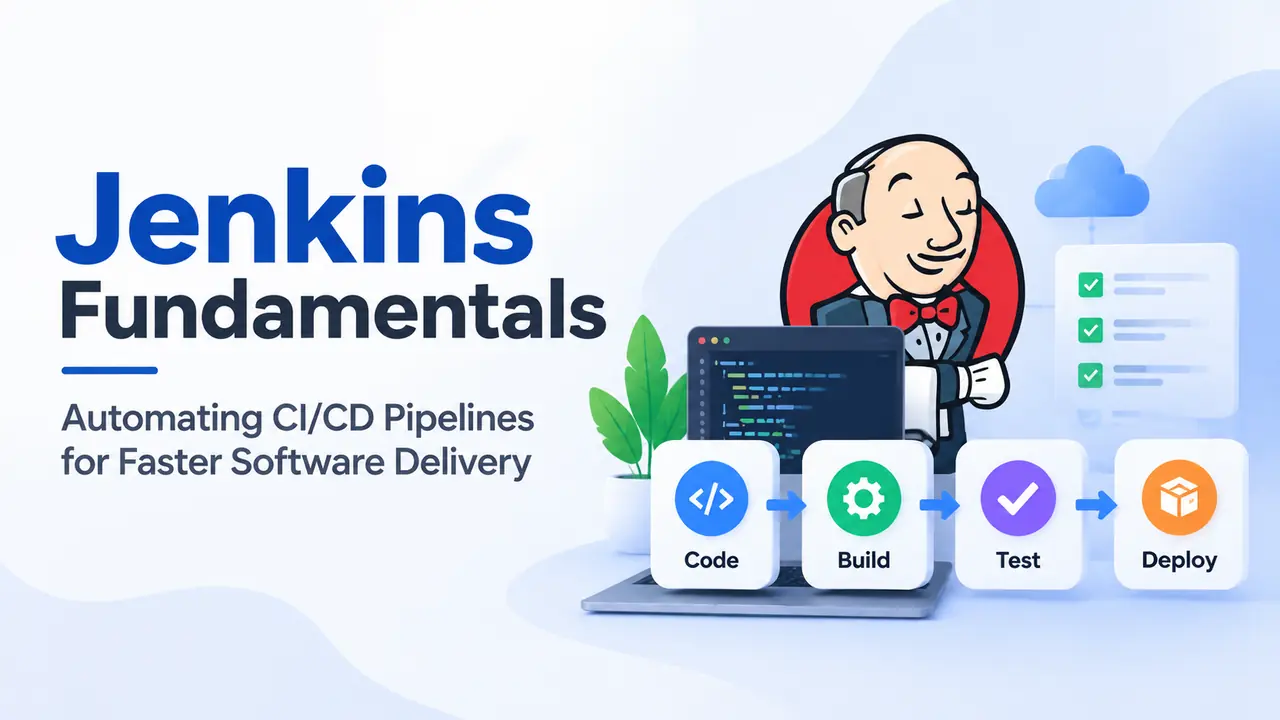
Modern software development requires teams to deliver new features quickly while maintaining quality and reliability. Manual build, testing, and deployment processes can slow down development and increase the chances of errors. This is where Jenkins CI/CD automation helps development teams streamline software delivery through continuous integration, automated testing, and continuous deployment workflows.
Jenkins is an open-source automation server designed to automate repetitive build, test, and release activities. It helps teams create reliable software delivery pipelines by integrating different stages of the development lifecycle.
Jenkins
Jenkins is a Java-based automation platform widely used to implement Continuous Integration (CI) and Continuous Delivery (CD) practices.
Whenever developers commit code changes, Jenkins can automatically trigger processes such as:
Source code compilation
Automated testing
Build verification
Artifact generation
Application deployment
By automating these activities, Jenkins reduces manual effort and provides faster feedback to development teams.
How Jenkins Supports CI/CD
A successful software delivery process requires continuous validation of every code change.
Continuous Integration (CI)
Continuous Integration ensures that every code commit is automatically built and verified. Jenkins helps detect integration issues early by running automated build and testing processes.
Continuous Delivery (CD)
Continuous Delivery focuses on keeping applications ready for deployment by automatically preparing staging environments and release packages.
Continuous Deployment
Continuous Deployment extends automation by enabling production releases with minimal manual intervention.
Jenkins Pipeline Workflow
A Jenkins pipeline defines the steps required to build, test, and deliver software.
A typical CI/CD pipeline includes:
1. Checkout
Jenkins retrieves the latest source code from the Git repository.
2. Build
The application source code and required dependencies are compiled.
3. Test
Automated unit, integration, and security tests are executed.
4. Deliver
Generated build artifacts are published to the required environment.
This structured workflow improves consistency and helps teams identify issues earlier.
Jenkins Architecture: Controller and Agents
Jenkins uses a distributed architecture with a controller-agent model.
The Jenkins Controller manages pipeline execution, coordinates jobs, hosts the web interface, and assigns tasks.
The Jenkins Agents execute build and testing activities. They can run on virtual machines, physical servers, or containers, allowing teams to scale execution based on demand.
Jenkins Pipeline as Code
Modern Jenkins implementations use Jenkinsfile to define pipeline workflows as code.
A Jenkins pipeline can describe:
Build stages
Testing steps
Deployment processes
Execution environments
Declarative pipelines provide a structured format with predefined blocks, making CI/CD workflows easier to maintain and manage.
Jenkins Integrations and Plugins
One of Jenkins' biggest advantages is its extensibility through plugins.
Teams can integrate Jenkins with:
Git repositories for source control
Docker for container-based builds
Credential management systems for secure access
Slack for build notifications
These integrations help organizations create complete automated software delivery ecosystems.
Benefits of Jenkins Automation
Implementing Jenkins CI/CD pipelines helps organizations:
Reduce manual deployment effort
Detect issues earlier
Improve software quality
Accelerate release cycles
Maintain consistent delivery processes
Jenkins continues to be a powerful automation tool for organizations adopting DevOps practices. By combining automated builds, testing, deployment workflows, and integrations, Jenkins enables development teams to deliver reliable software faster.
Businesses looking to improve their software delivery process can leverage Jenkins-based CI/CD solutions to build scalable, efficient, and automated development workflows.